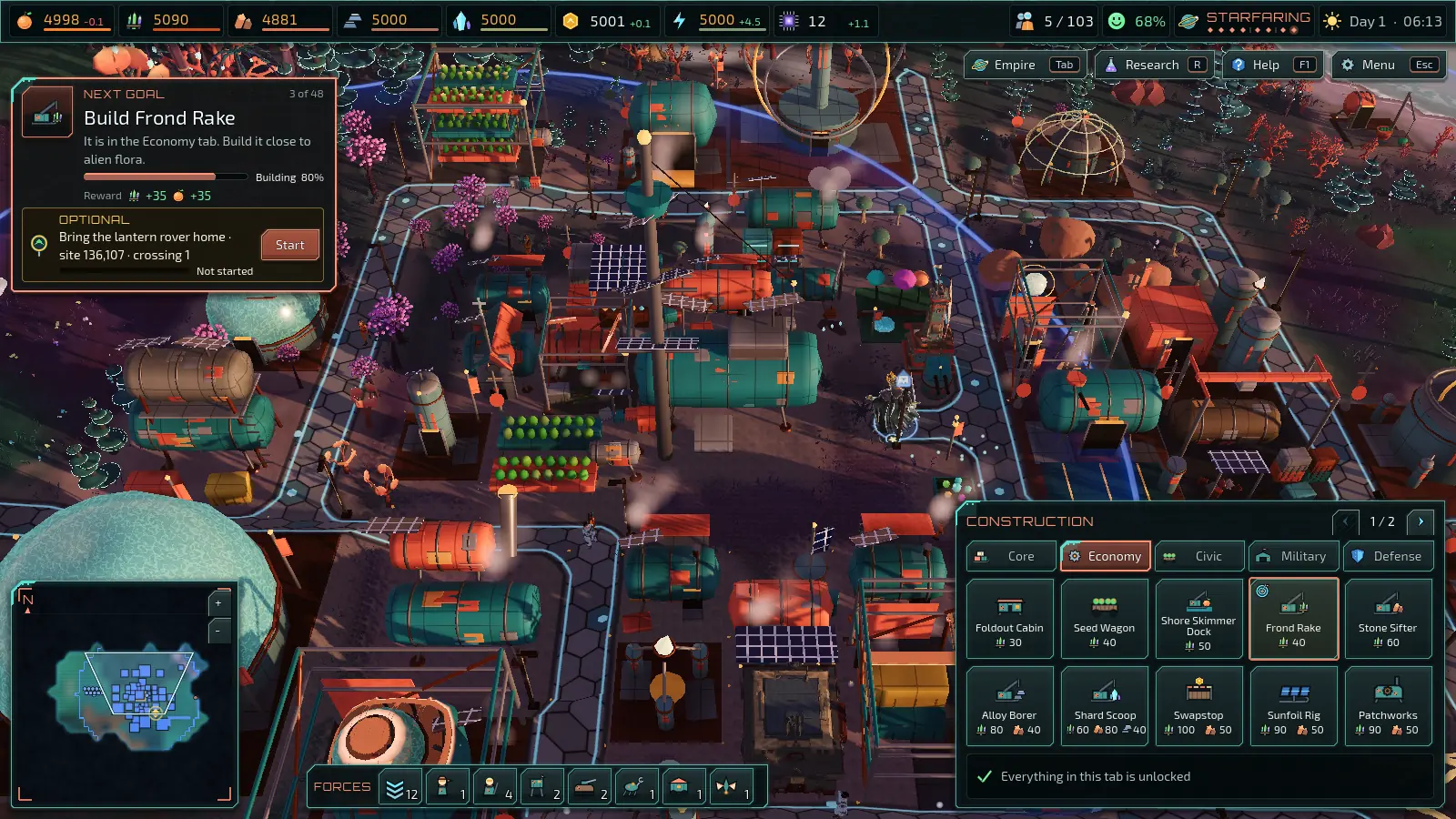
About the game
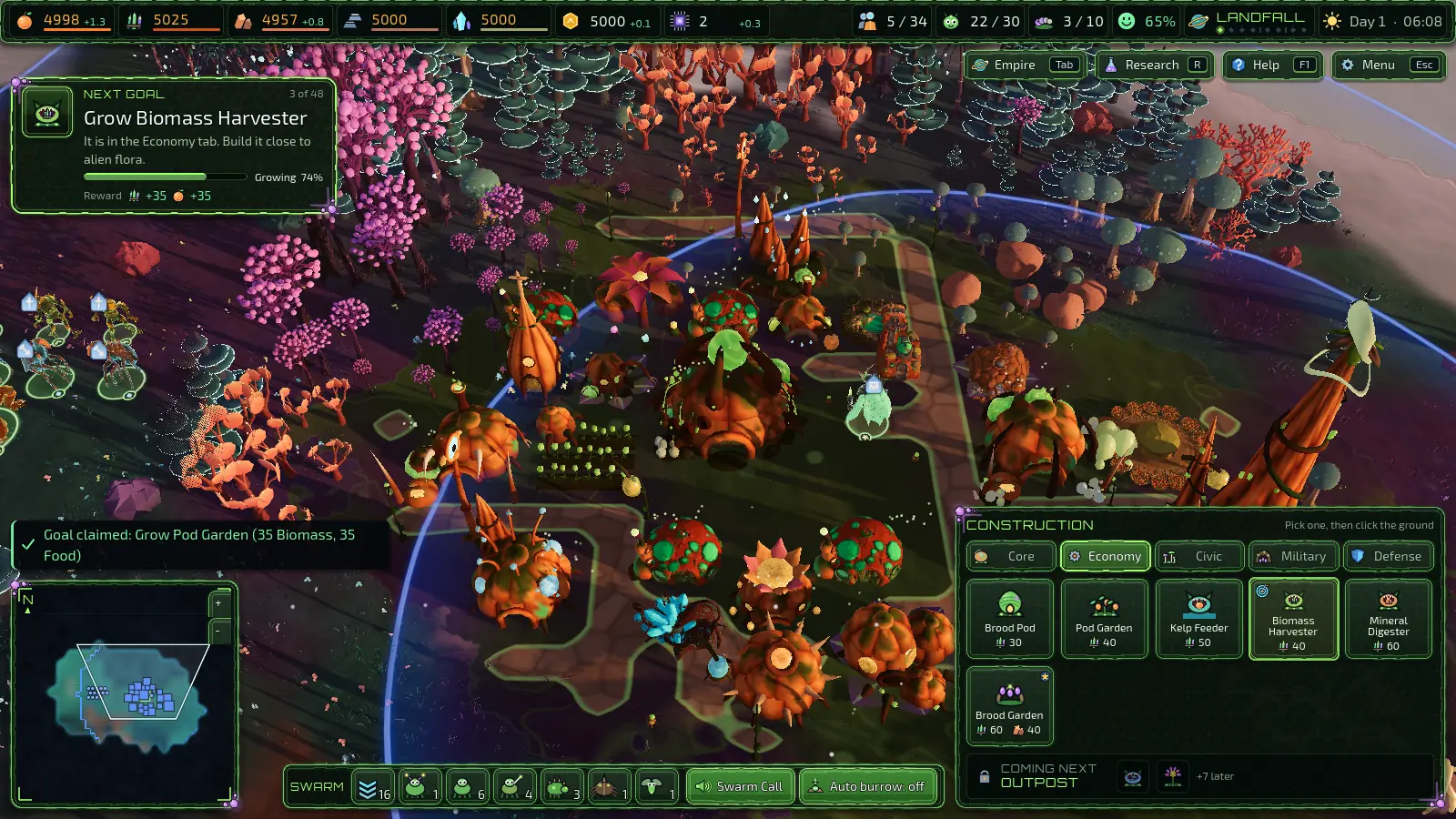
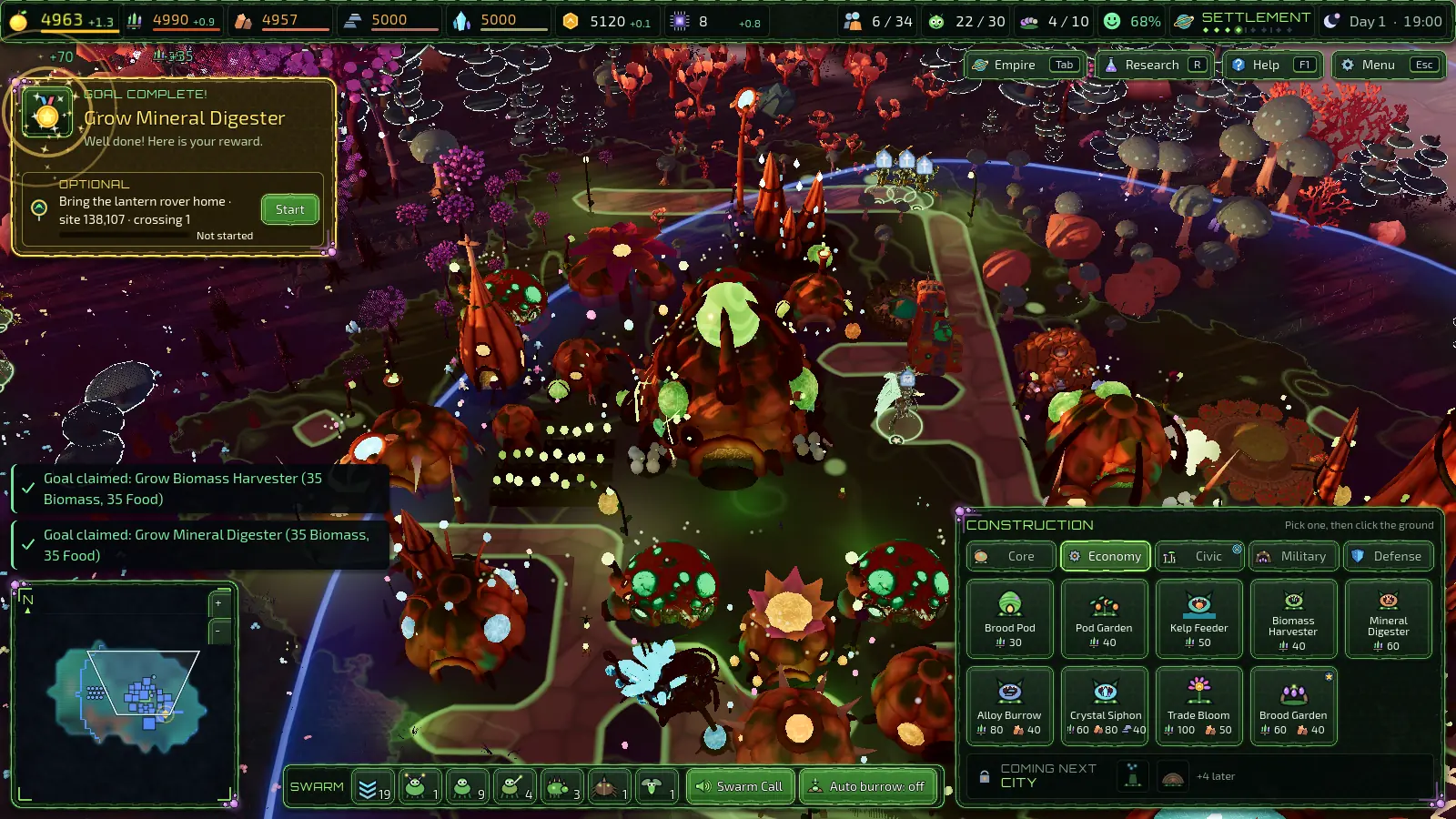
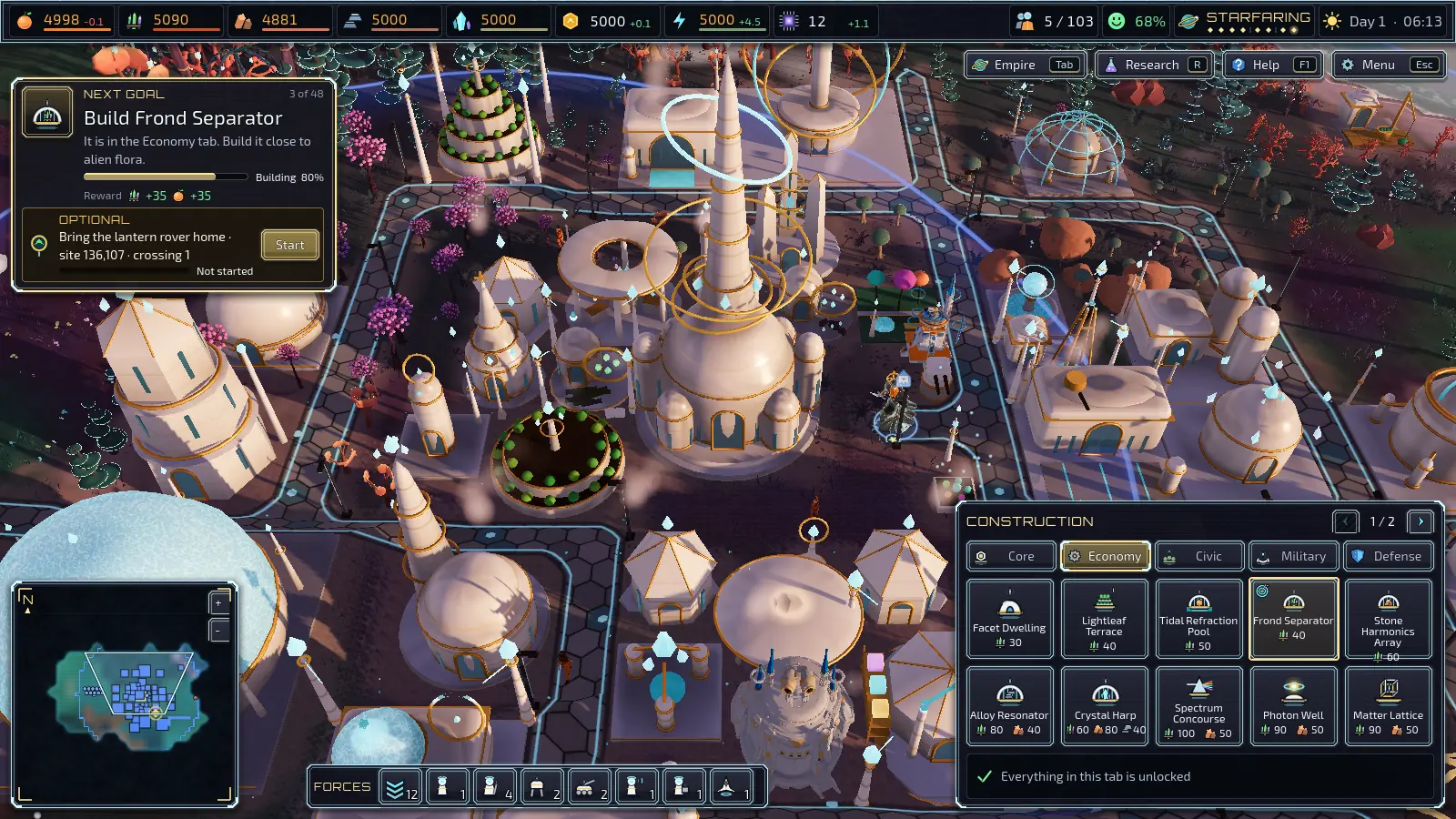
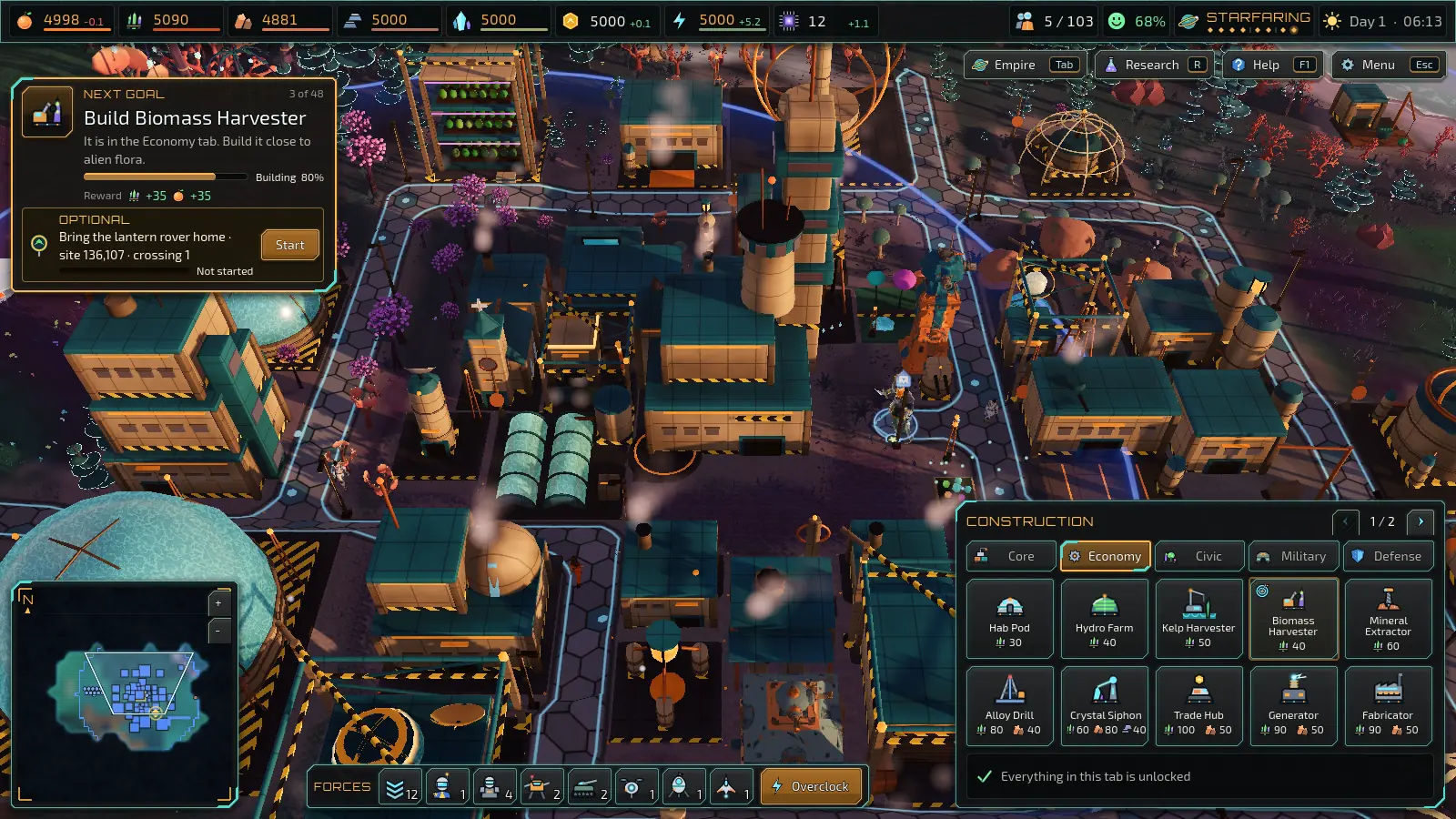
I’m building Farhold so my whole family can grow a space colony together. Land your ship on a strange alien world of glowing plants, mineral mesas and crystal fields, then grow a tiny landing camp into a thriving colony that reaches all the way to the stars. Pick one of four factions: the rugged Ironhold engineers, the crystal-tech Luminar, the salvaging Driftfolk, or the Underbrood, a friendly organic hive whose buildings grow themselves. Play solo, or play together with the family on your home network. It's forgiving, too: alien attacks can slow you down, but they never wipe out your work.
What's inside
- Four factions, each with its own buildings, units and style of play.
- Eight ages, from Landfall all the way to Starfaring.
- Explore alien ruins, research new technology, build wonders and send expeditions to the stars.
- Play together on your home network: one person hosts, everyone else joins.
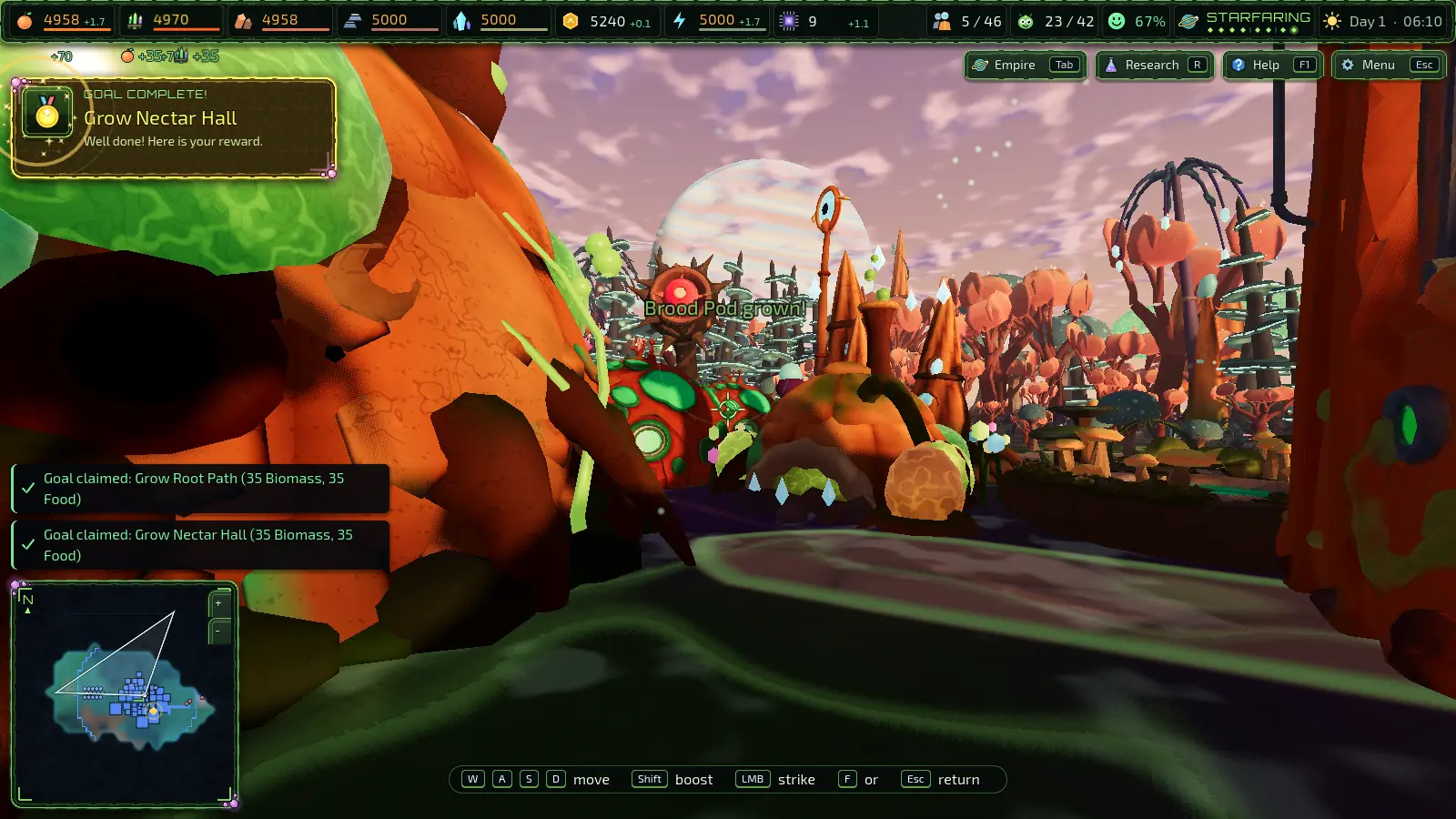
- Press F on a unit to see your colony in first person.
Download
Free. This is an early preview, so expect rough edges. There is no browser version.
Installing
Windows
- Download
Farhold.exeand double-click it. Nothing needs installing. - The game isn't signed yet, so Windows may show "Windows protected your PC". Click More info, then Run anyway.
macOS
- Download
Farhold-macOS.zipand double-click it to unzipFarhold.app. - The app isn't signed by Apple yet. The first time, right-click (or Control-click)
Farhold.appand choose Open, then click Open again. After that it opens normally. - If macOS says the app "is damaged" or still won't open, run this in Terminal from the folder holding the app:
xattr -dr com.apple.quarantine Farhold.app
Linux
- Download
Farhold.x86_64. - Make it executable:
chmod +x Farhold.x86_64 - Run it:
./Farhold.x86_64
Playing together
- One player opens Play together and chooses Host on this network.
- Everyone else on the same network opens Play together, finds the host's world by its name under Join a friend, and joins with one click.
- If a world doesn't show up, type the host's address (shown on their screen) under Advanced and press Join this address.
- Press F1 in game to see the controls.
Screenshots
-
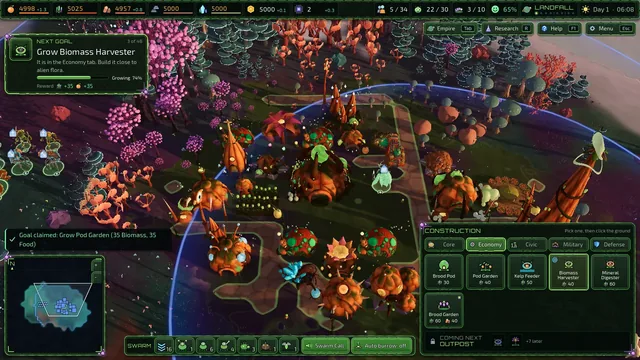
Landfall: your first camp on a new world -
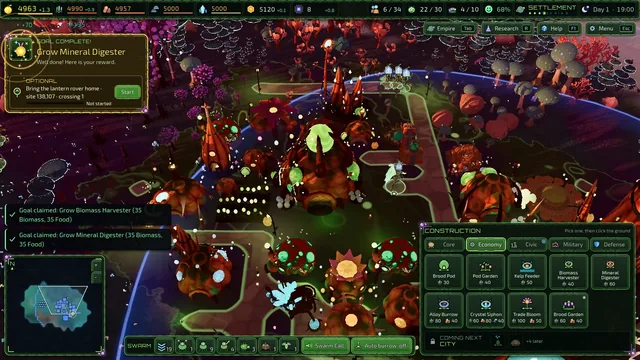
The Underbrood hive at dusk -
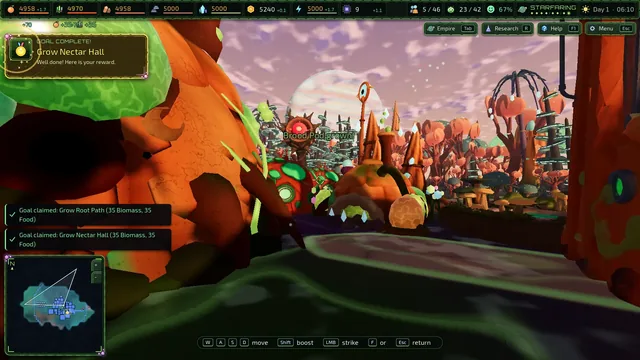
Walk your colony in first person -
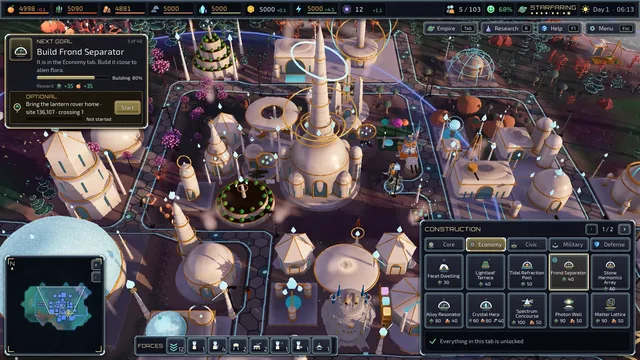
Luminar: crystal-tech domes and spires -
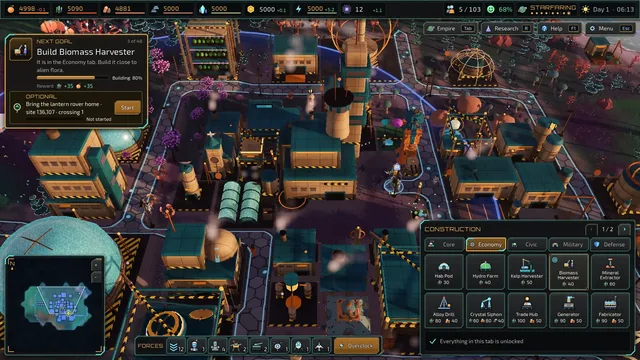
Ironhold: rugged engineers -
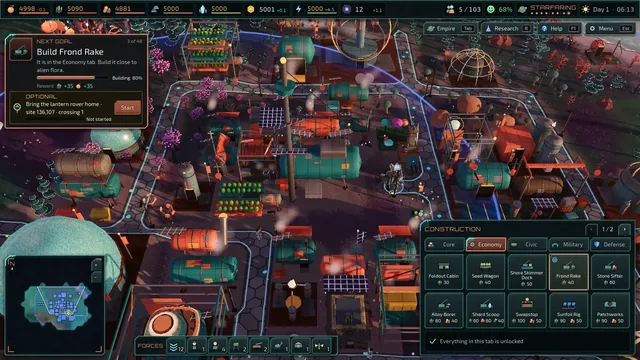
Driftfolk: space salvagers