Untested build 0.2.107, 28 Nov 2026
RustCraft
A block-building sandbox with working machines
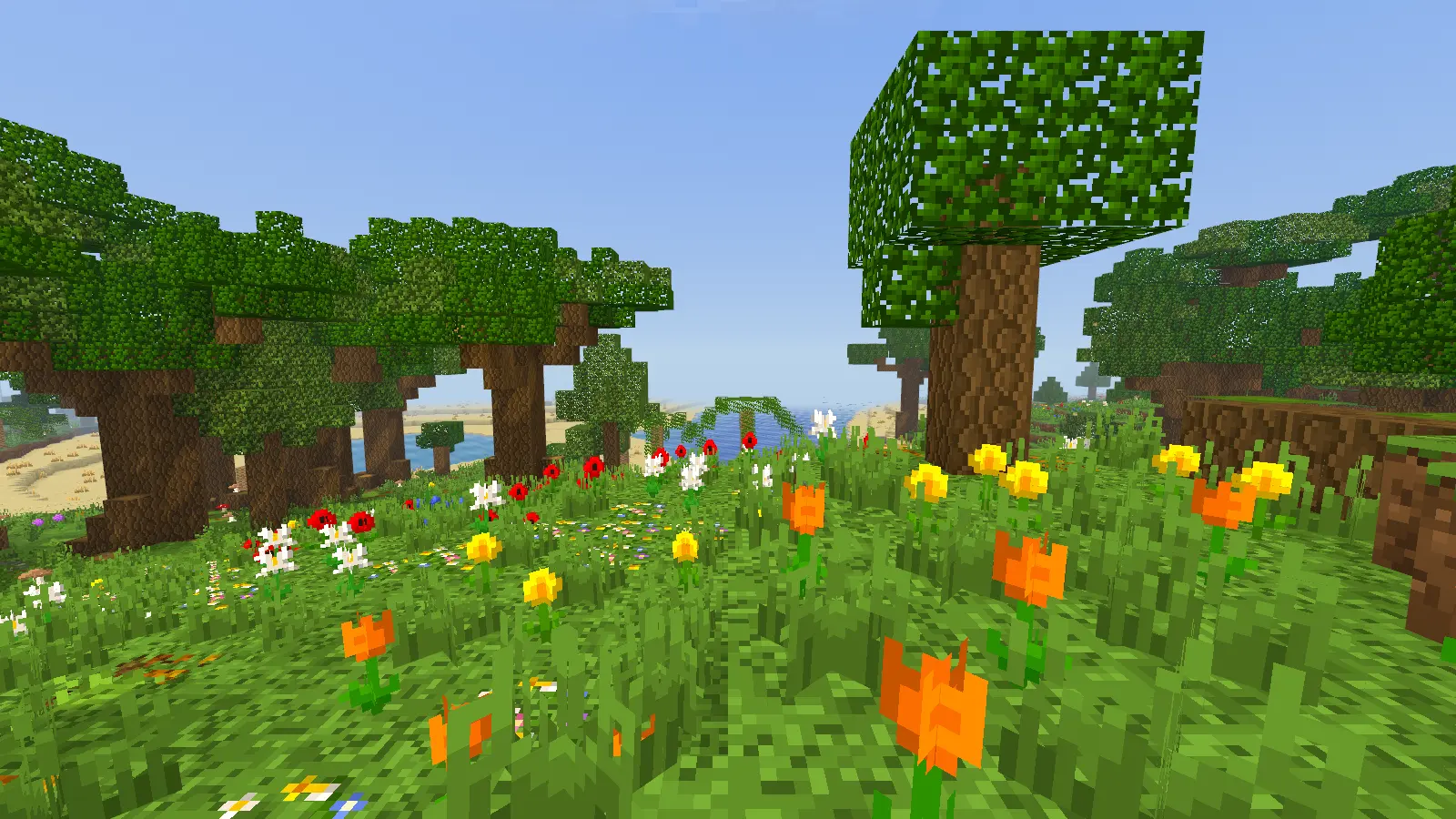
Watch the intro
An 8-minute tour in real in-game footage: the world, survival, the tech tree, machines, storage, tree felling, airships and multiplayer.
About the game
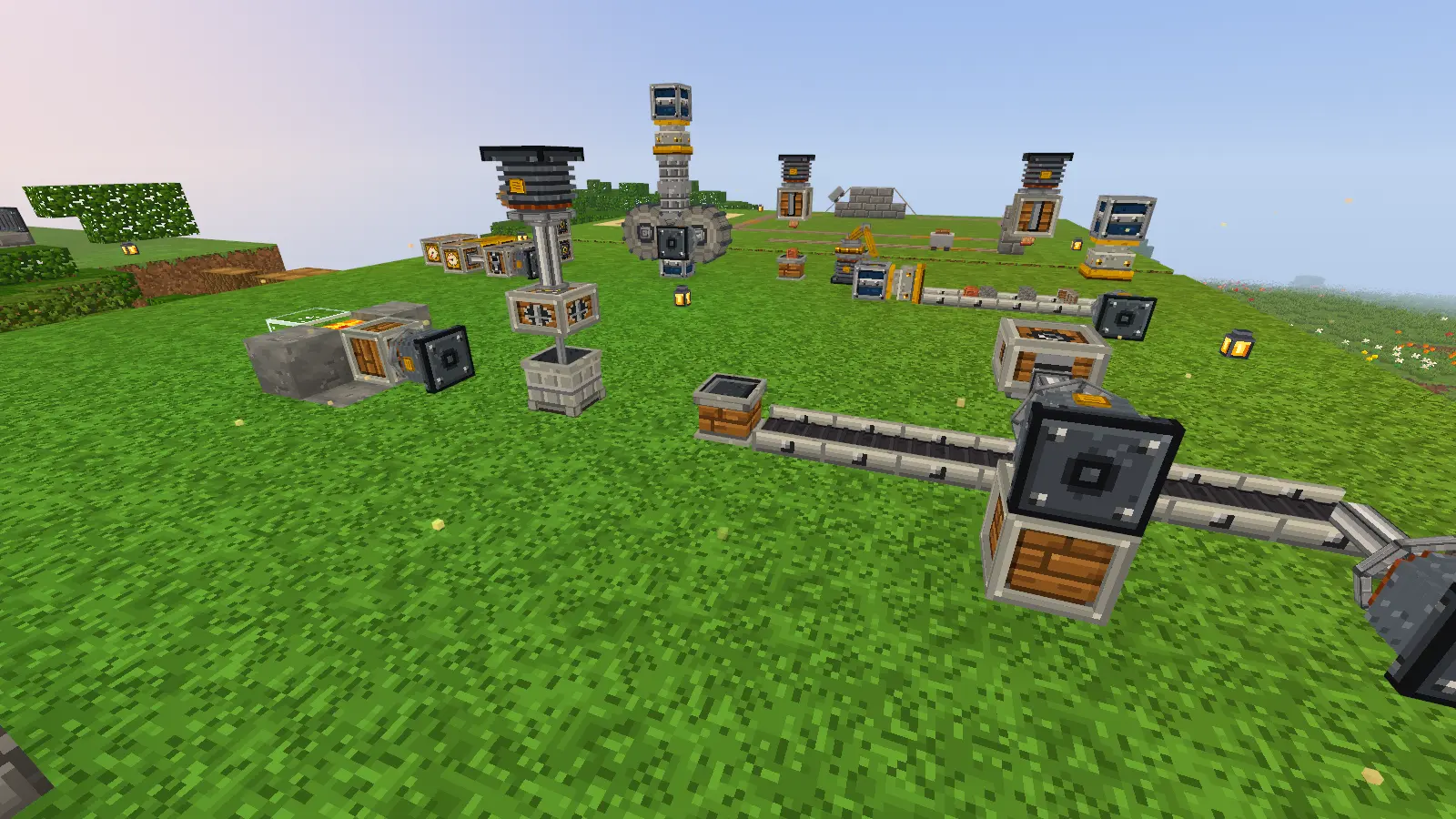
RustCraft is a block world you can explore, mine, and build in, with a full machinery system on top. Turn shafts with a hand crank, a water wheel, a windmill, or a steam engine. Change speeds with big and small cogs, then run belts, presses, mixers, crushers, drills, and saws. Wire it all up with signals, and build contraptions that move: pistons, rotating bearings, and elevators you can ride.
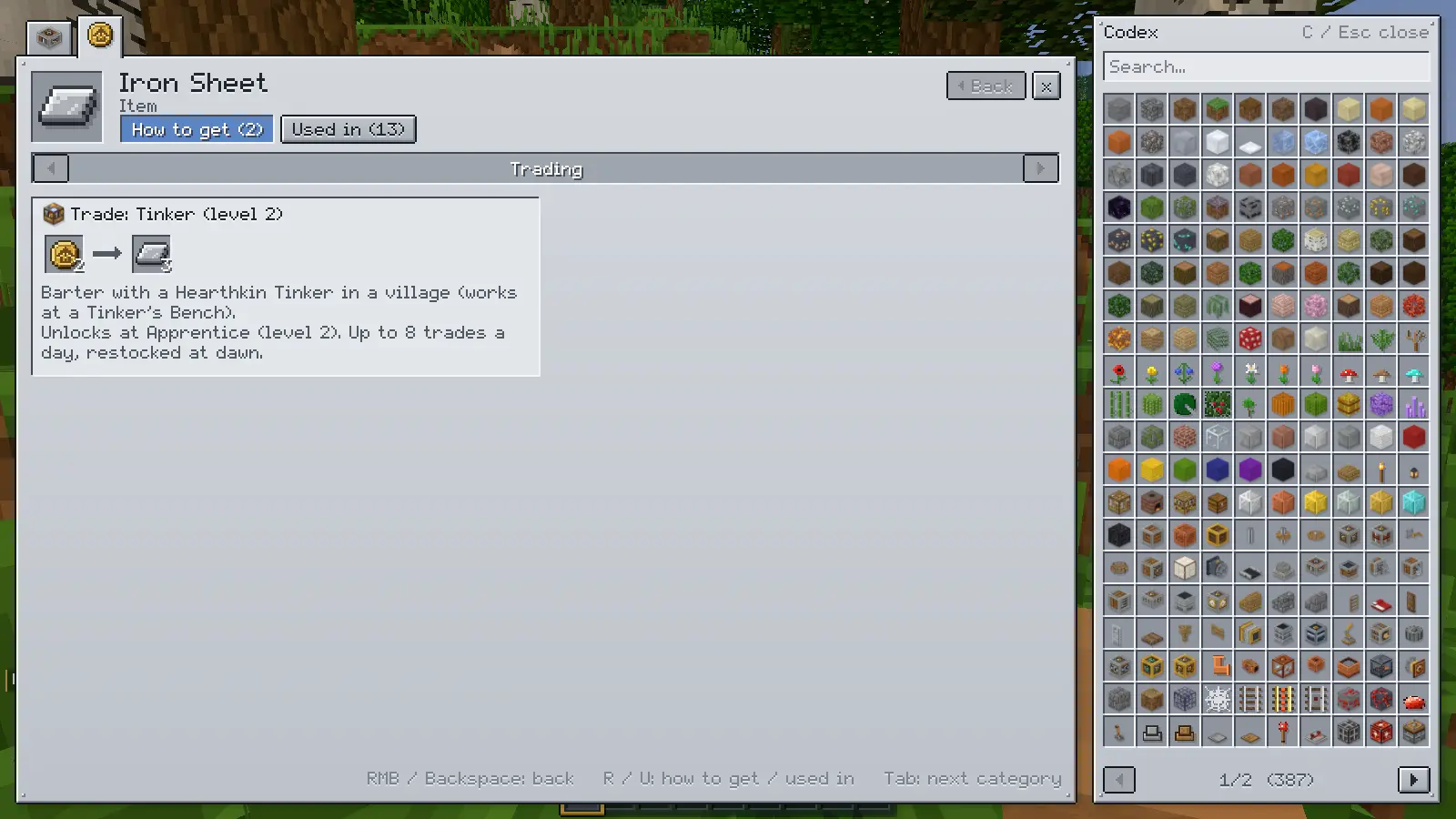
It's written from scratch in Rust. Its sounds and music were made with ElevenLabs, and most standard block textures come from the openly licensed Pixel Perfection pack by XSSheep (CC BY-SA 4.0, credited in the game's Credits screen). Press C in game to open the Codex: it lists every block and item, how to make it, what it's used in, and where to find it in the world.
What's inside
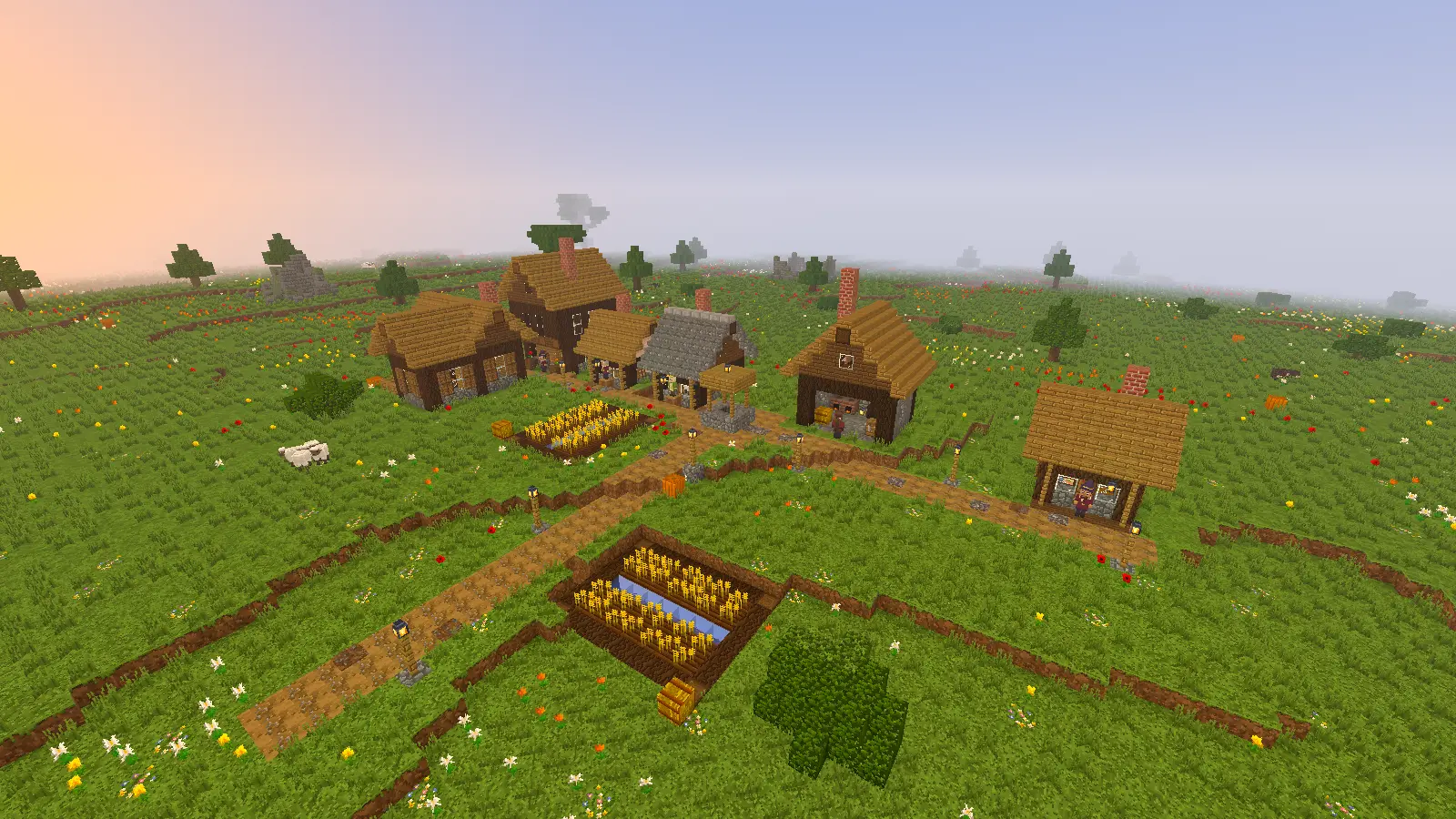
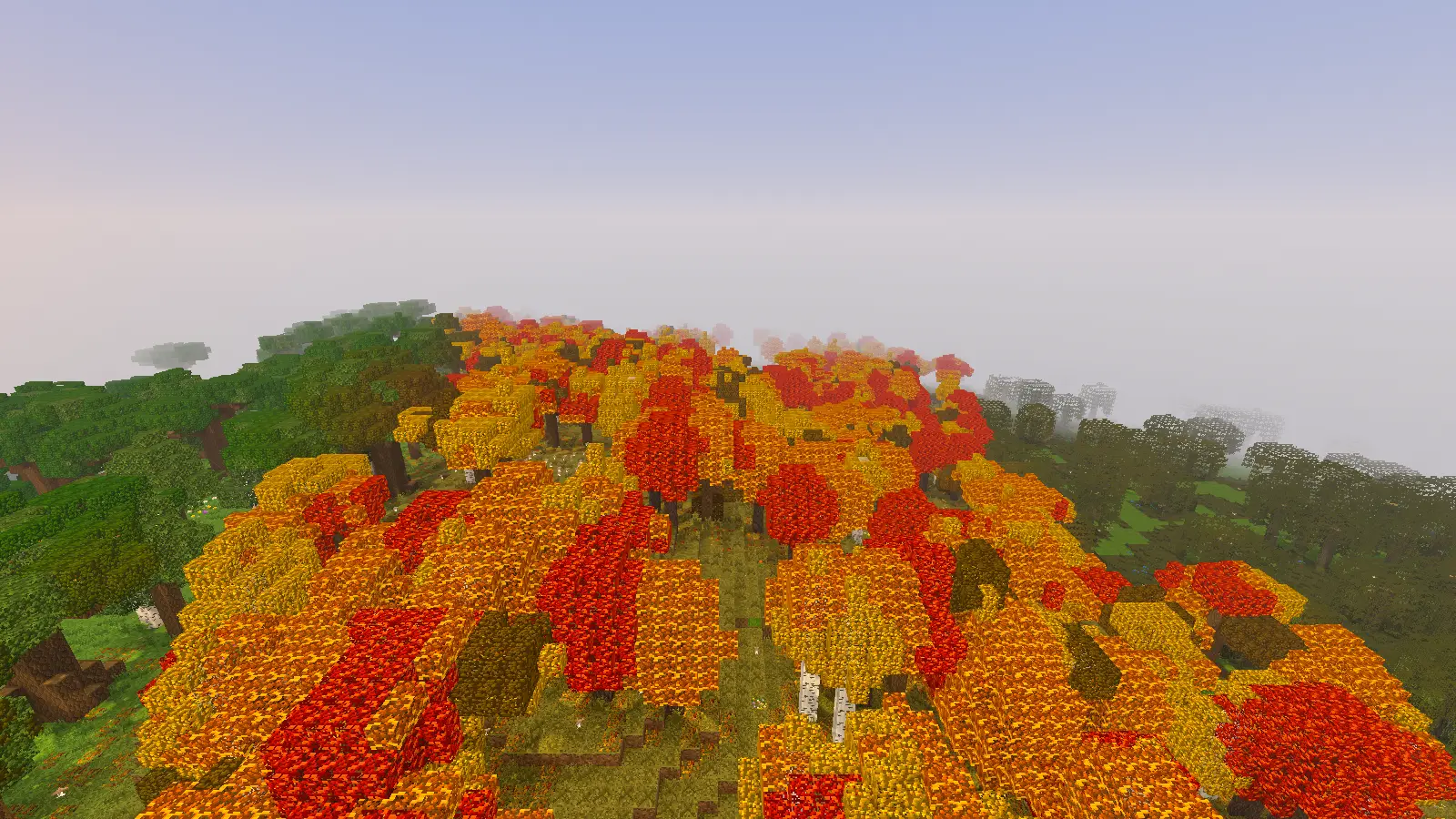
- 29 biomes with layered forests, villages, ruins, dungeons, mines, and a second dimension through a portal.
- Machines with real speed and stress: overload a network and it stalls.
- Pipes, pumps, tanks, and steam engines; belts, funnels, chutes, and robot arms.
- Survival with tools, armour, bows, farming, enchanting, brewing, and village traders.
- Play together on your home network, or run a dedicated server.
- A seed map: enter any world seed to see its biomes, spawn, and every village and structure, generated by the game's own code.
Download
Untested build. Use at your own risk.
Prefer no installer? Portable Windows builds: x64 · ARM64. Every build checks for updates on the title screen and offers an Update button.
Free. 0.2.107: the far landscape reaches further (distant peaks stay connected to their foothills), broader distant spruces and rounder far oaks, a softer horizon band, and torchlight that fades smoothly with no visible edge. Snow layers no longer form thin fins, the tundra margin breaks into natural recesses, and snow on ice has feathered rims. Airship rope bands wrap continuously with knotted stays and a cleaner tail; manning a cannon gives a slight breathing sway and the carriage settles after recoil; villagers in Hearthkin boxes now fidget (page turns, crop checks, cradle rocking, hammer taps). There's no macOS build yet. Checksums: SHA256SUMS.txt.
Installing
Windows
- Download
RustCraft-Setup-x64.exe(orRustCraft-Setup-ARM64.exeon a Snapdragon laptop such as a Surface Laptop) and run it. It installs for your user only (no admin needed), adds Start Menu and desktop shortcuts, and lets the game update itself: when a new build is out, the title screen shows an Update now button. - The game isn't signed, so Windows may show "Windows protected your PC". Click More info, then Run anyway.
- If something goes wrong, the log of the last run is in
%APPDATA%\RustCraft\rustcraft.log.
Linux
- Download
RustCraft-Linux-x86_64. - Make it executable:
chmod +x RustCraft-Linux-x86_64 - Run it:
./RustCraft-Linux-x86_64. It needs Vulkan or OpenGL graphics drivers and ALSA sound (libasound2), which most desktops already have.
Playing together
- The host opens a world, presses Esc, and chooses Open to LAN.
- Everyone else on the same network opens Multiplayer from the title screen and picks the host's world from the list.
- If a world doesn't show up, use Direct connect with the host's address. Windows may ask to allow the game through the firewall; allow it on private networks.
- To run a dedicated server, start the game with
--server, for exampleRustCraft.exe --server --world myworld.
Controls
- Move with W A S D, jump with Space, left-click to mine and right-click to place or use.
- E opens your inventory with a 2×2 crafting grid; right-click a Workbench for the 3×3 grid. C opens the Codex, where + fills the grid for a recipe. H shows every key.
Screenshots
-
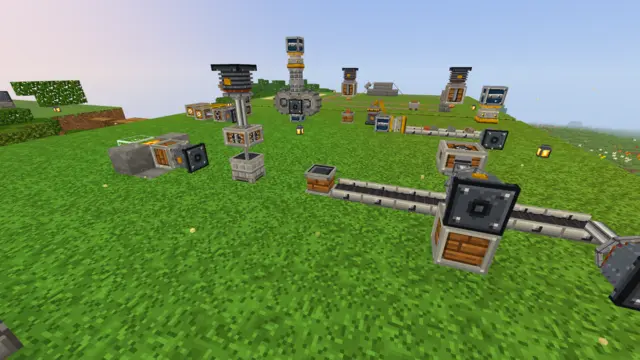
Motors, presses, mixers, and belts -
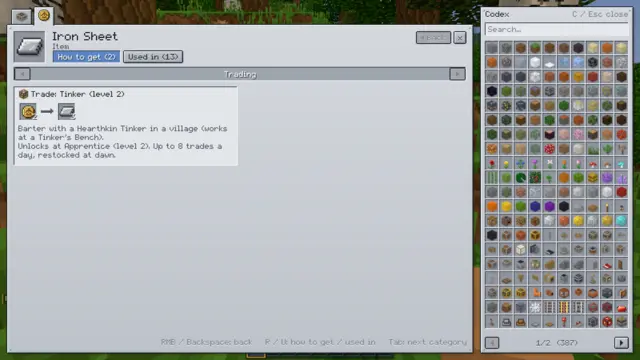
The Codex shows how to make everything -
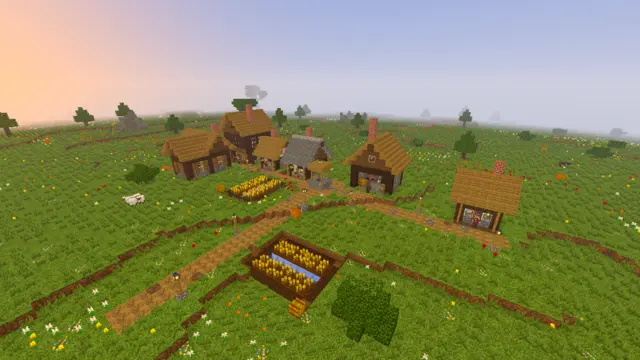
A village at golden hour -
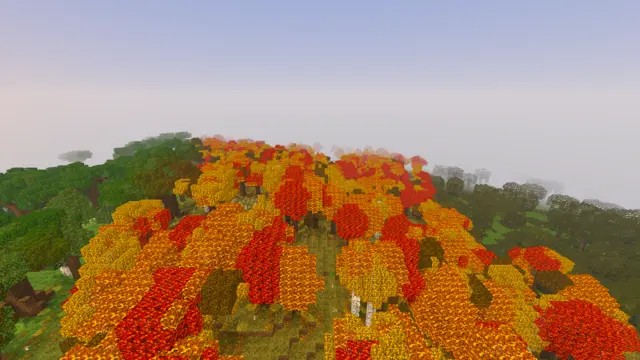
An autumn forest -
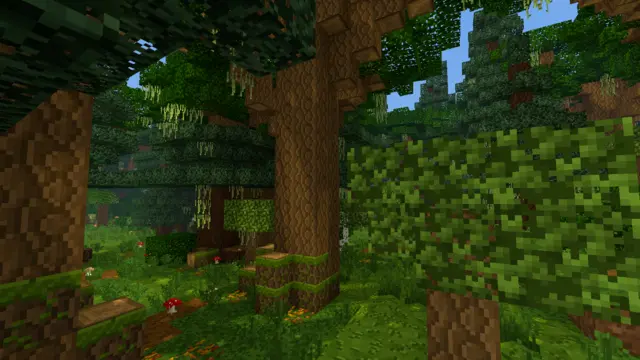
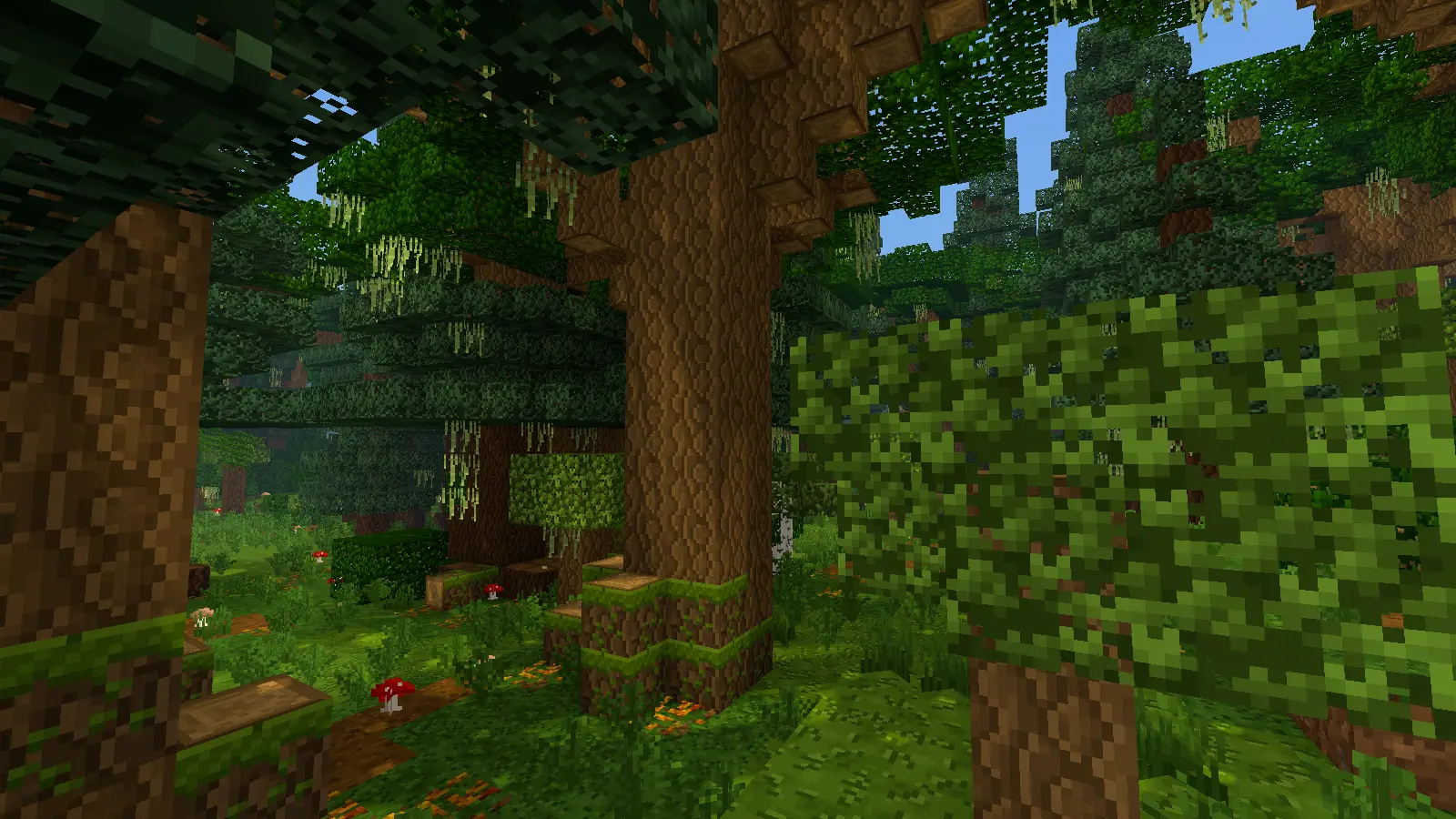
Mossy old-growth forest -
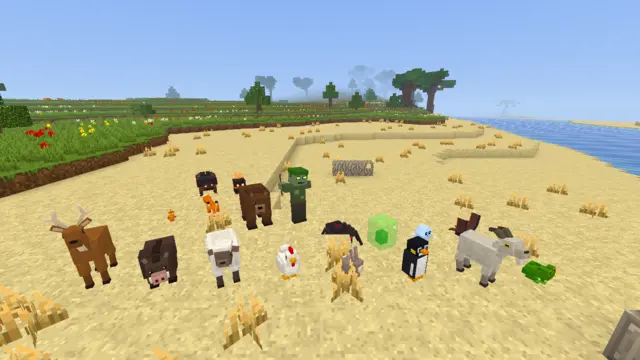
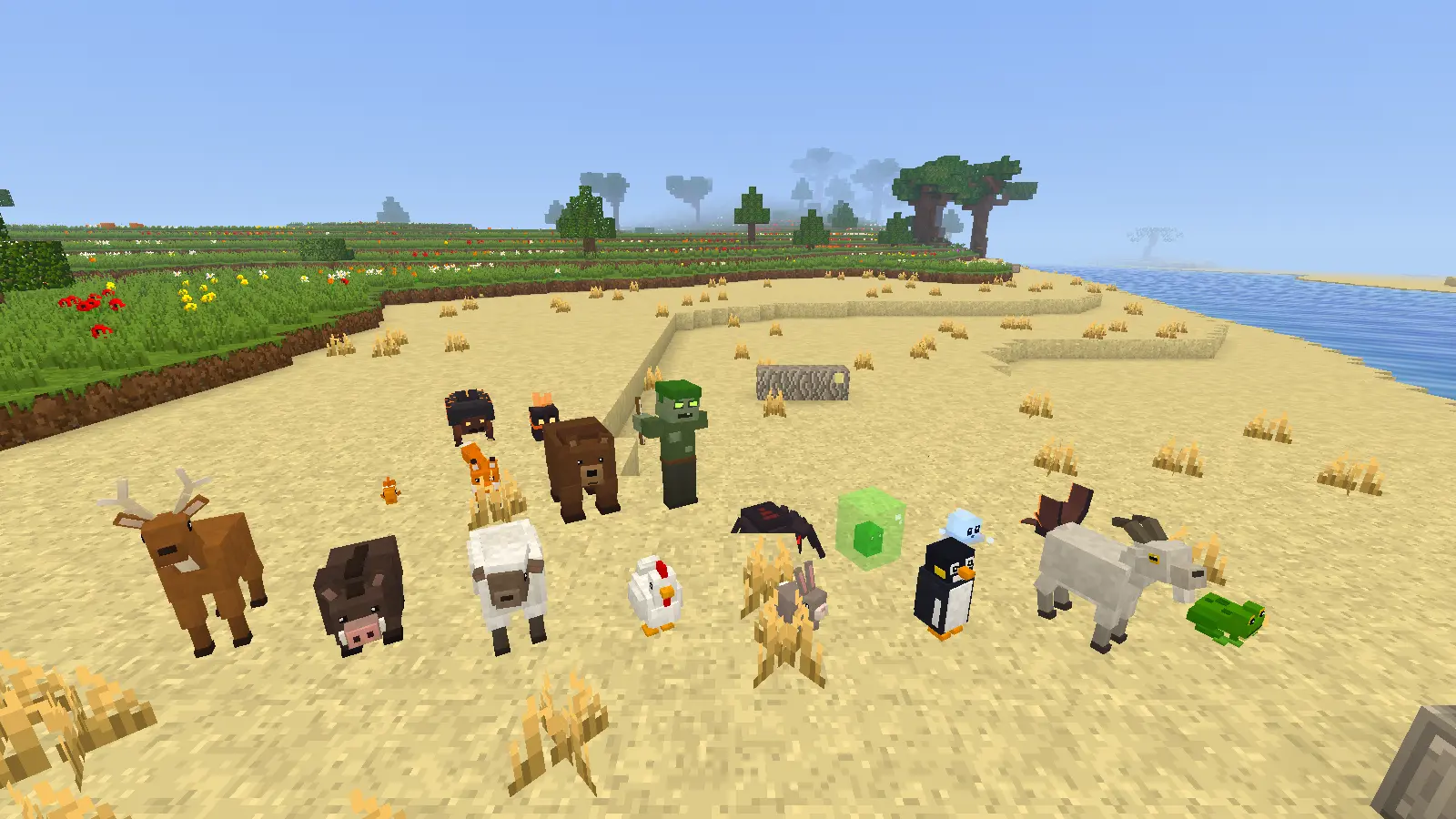
Some of the creatures